
Appearance
Creating Your Account
Get started with Sealbound by creating your account in just a few steps.
Sign Up
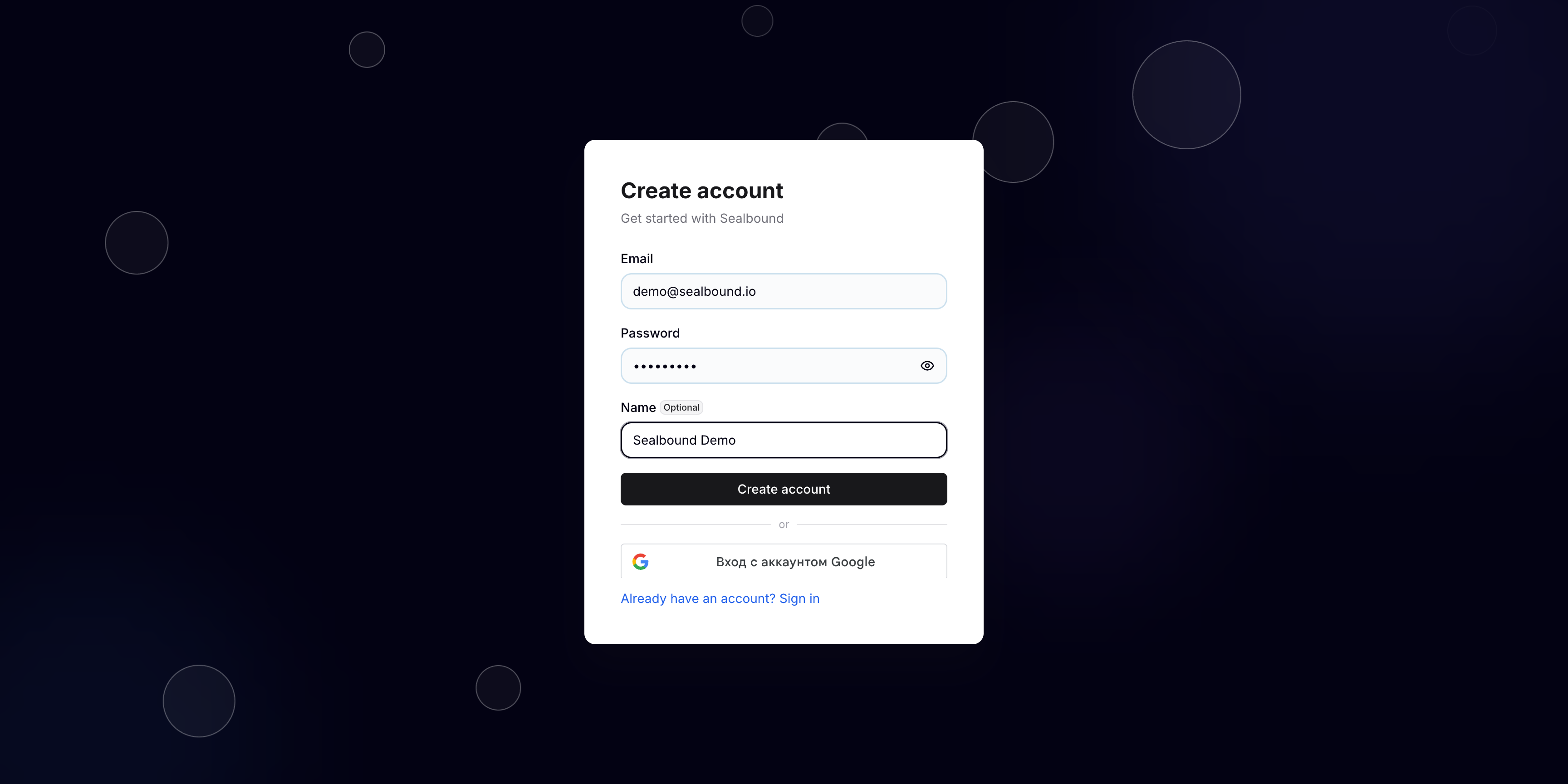
You can create an account using:
- Google — sign in with your existing Google account for the fastest setup
- Email and password — create a new account with your email address
After signing up, you will receive a verification email. Click the link in the email to verify your account.
Company Setup
Once your account is verified, you will be prompted to set up your company profile. This includes:
- Company name — the name that will appear on your certificates
- Company details — additional information about your organization
Identity Verification (KYC)
To unlock all platform features, you may need to complete identity verification. This process helps us ensure the security and trustworthiness of certificates issued through the platform.
Until verification is complete, some features may be restricted. You will see a prompt guiding you through the verification process when you first log in.
Next Steps
Once your account is set up, you are ready to:
- Explore the platform and learn your way around
- Issue your first certificate