
Appearance
How Credits Work
Credits are the currency used to issue certificates on Sealbound. Each certificate issuance costs a certain number of credits.
Credit Basics
- Every certificate you issue costs one credit
- Credits are added to your balance in advance — either by a top-up arranged with support, or, if your company is managed by a partner, by your partner's monthly allocation
- Your credit balance is visible in the sidebar
- Credits are tied to your company account and shared across all team members
Checking Your Balance
Your current credit balance is displayed at the bottom of the sidebar, next to your email. Click it to open Settings, then choose the Balance tab to see your balance, the price per credit, and your full transaction history. Companies managed by a partner do not have a Balance tab — ask your partner about your allocation.
Credit Usage
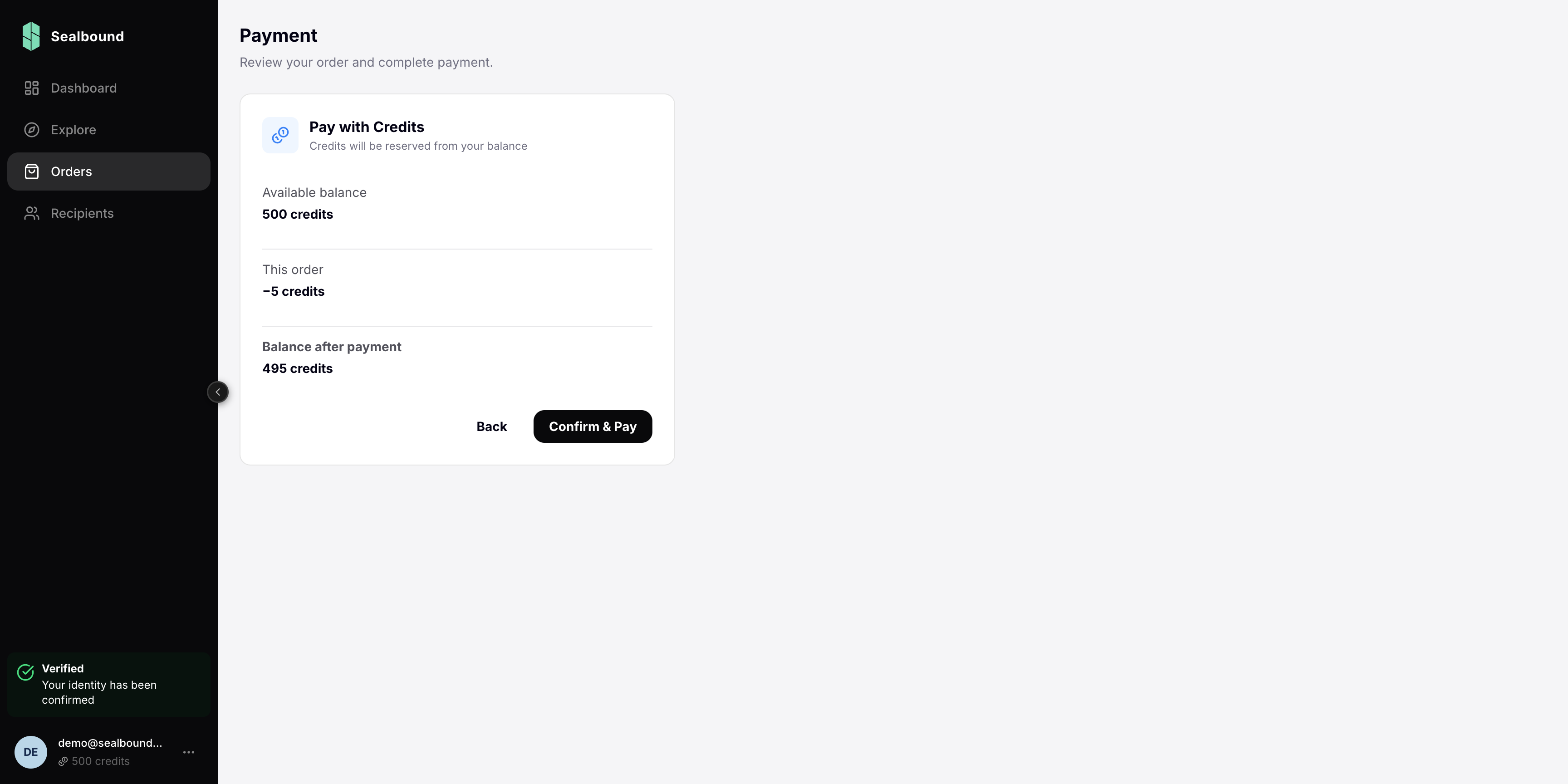
Credits are deducted in full at the moment you pay for an order:
- You create an order and add groups, recipients, and templates
- When you confirm payment, the entire cost — one credit per recipient, plus one per invitation-link slot — is deducted from your balance in a single transaction, and the order moves to Paid
- Certificates are then generated and emailed to recipients. No further credits are taken for those certificates
- Adding recipients to an order that is already paid, or creating or enlarging an invitation link, deducts the extra credits at that moment
Credits are never held or set aside in advance: payment either succeeds and deducts, or fails and leaves your balance untouched.
Refunds
Credits return to your balance when unused invitation-link slots are released — when a link is revoked, when it expires, or when its maximum number of uses is reduced. Refunds apply to standalone company accounts; for companies managed by a partner, allocated credits are not returned.
Orders themselves cannot be cancelled once paid. A draft order can be deleted, but a draft has not been charged yet.
Running Low?
If your balance is insufficient to cover an order, the payment step shows an "Insufficient credits" message with the amount you are short and a link to contact support for a top-up.
Related Guides
- Purchasing Credits — how to top up your balance