
Appearance
Adding Recipients
Recipients are the people who will receive your certificates. You can add them manually or in bulk via CSV import.
Manual Entry
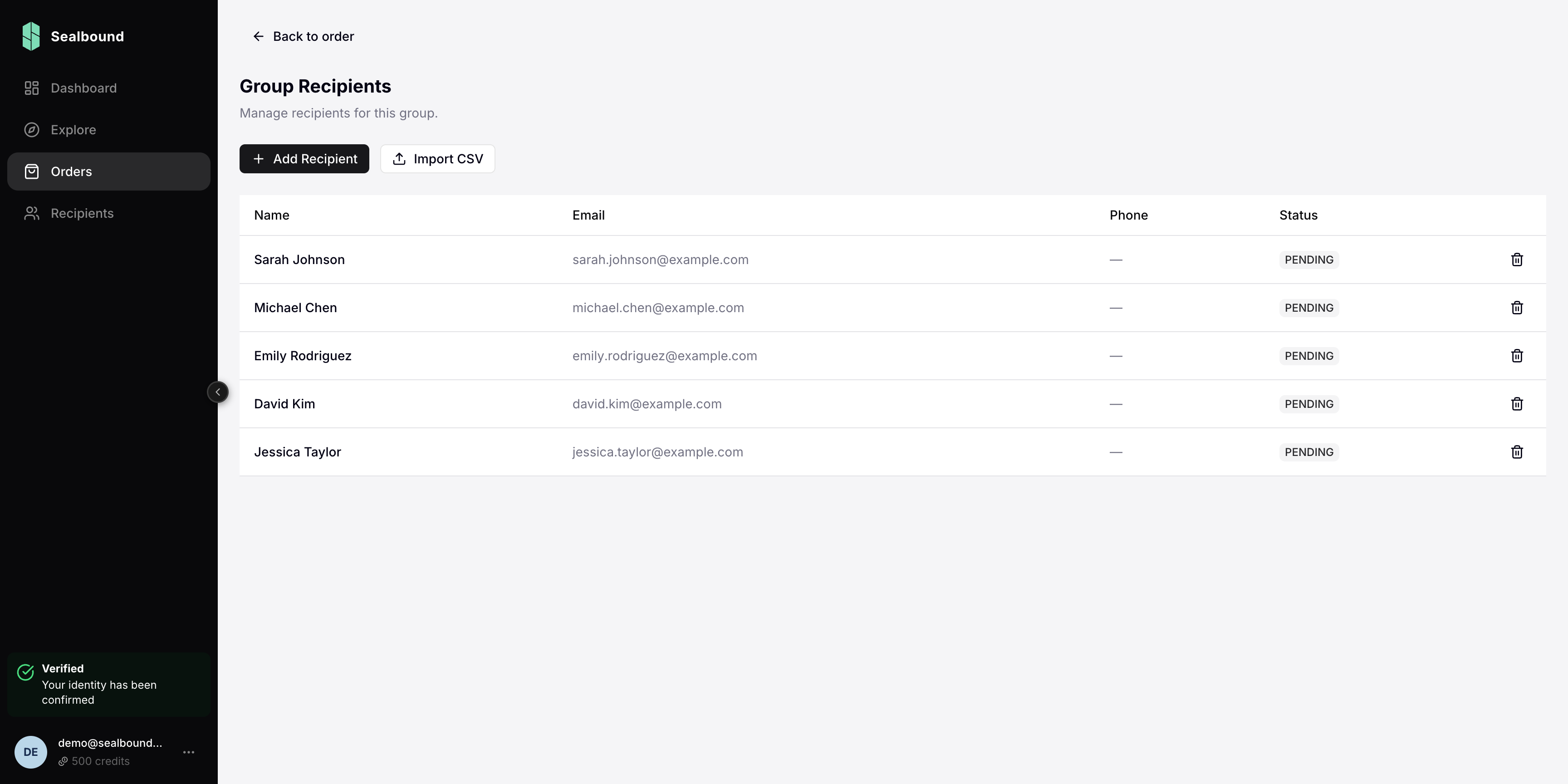
- Open a group within your order
- Click Add Recipient
- Enter the recipient's details:
- Name — the full name that will appear on the certificate
- Email — used to send the claim link
CSV Import
For large batches, use CSV import:
- Open a group within your order
- Click Import CSV
- Upload your CSV file
CSV Format
Your CSV file should include columns for recipient data. The platform will guide you through mapping your columns to the required fields.
At minimum, each row needs:
- A name field
- An email field
Additional fields can be mapped to template variables if your certificate template uses custom data fields.
Managing Recipients
Before an order is issued, you can:
- Edit recipient details
- Remove recipients from a group
- Re-import a CSV to update the list
After an order is issued, recipient data becomes read-only.