
Appearance
Certificate Templates
Templates define the visual design of your certificates. Each group in an order uses a template to generate certificates for its recipients.
Browsing Templates
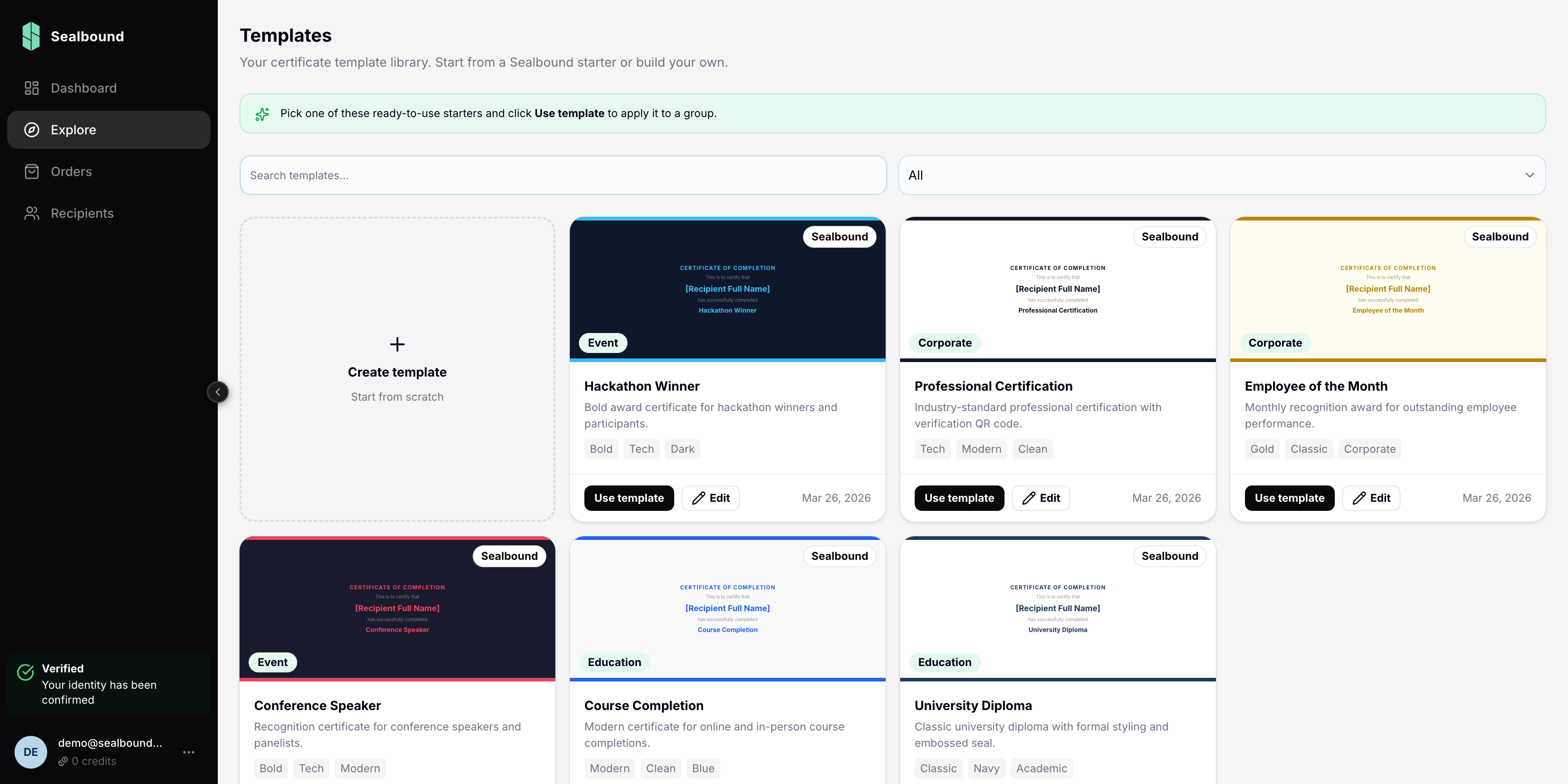
Go to Explore in the sidebar to browse public templates created by the community. You can:
- Preview templates before using them
- Use any public template in your orders
Creating Custom Templates
Use the built-in visual editor to design your own certificate templates:
- Navigate to the Template Editor
- Start with a blank canvas or use a public template as a starting point
- Add your branding, text, images, and data fields
- Save the template for use in your orders
Template Elements
A certificate template can include:
- Text — static text and dynamic fields (recipient name, date, etc.)
- Images — logos, backgrounds, decorative elements
- Shapes — lines, borders, frames
- Data fields — placeholders that get filled with recipient-specific information
Using Templates in Orders
When you add a group to an order, you select which template to use. All recipients in that group will receive certificates based on that template, with their personal data filled into the dynamic fields.
Related Guides
- Template Editor — learn how to use the visual editor